Open Middle®
Interactive Open Middle Problems
We uploaded our first Open Middle problem in 2014. Since then, we’ve added over 700 problems to our collection. For most of that time, the way Open Middle problems were used stayed the same: teachers projected or printed problems, and students used paper or physical number tiles to work out the problem.
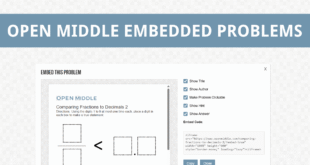
Embedded Problems
In 2025, we introduced embedded problems as the first step toward expanding how Open Middle problems could be used digitally. Embedded problems allow teachers to place Open Middle problems directly into platforms like Canvas, Google Classroom, Microsoft Teams, and websites, while keeping students focused on a single problem.
Embedded problems give teachers control over what students see, including the title, hint, and answer, and remove site navigation so the problem itself remains the focus.
Introducing Interactive Open Middle Problems
Building on embedded problems, we’re now introducing interactive Open Middle problems.
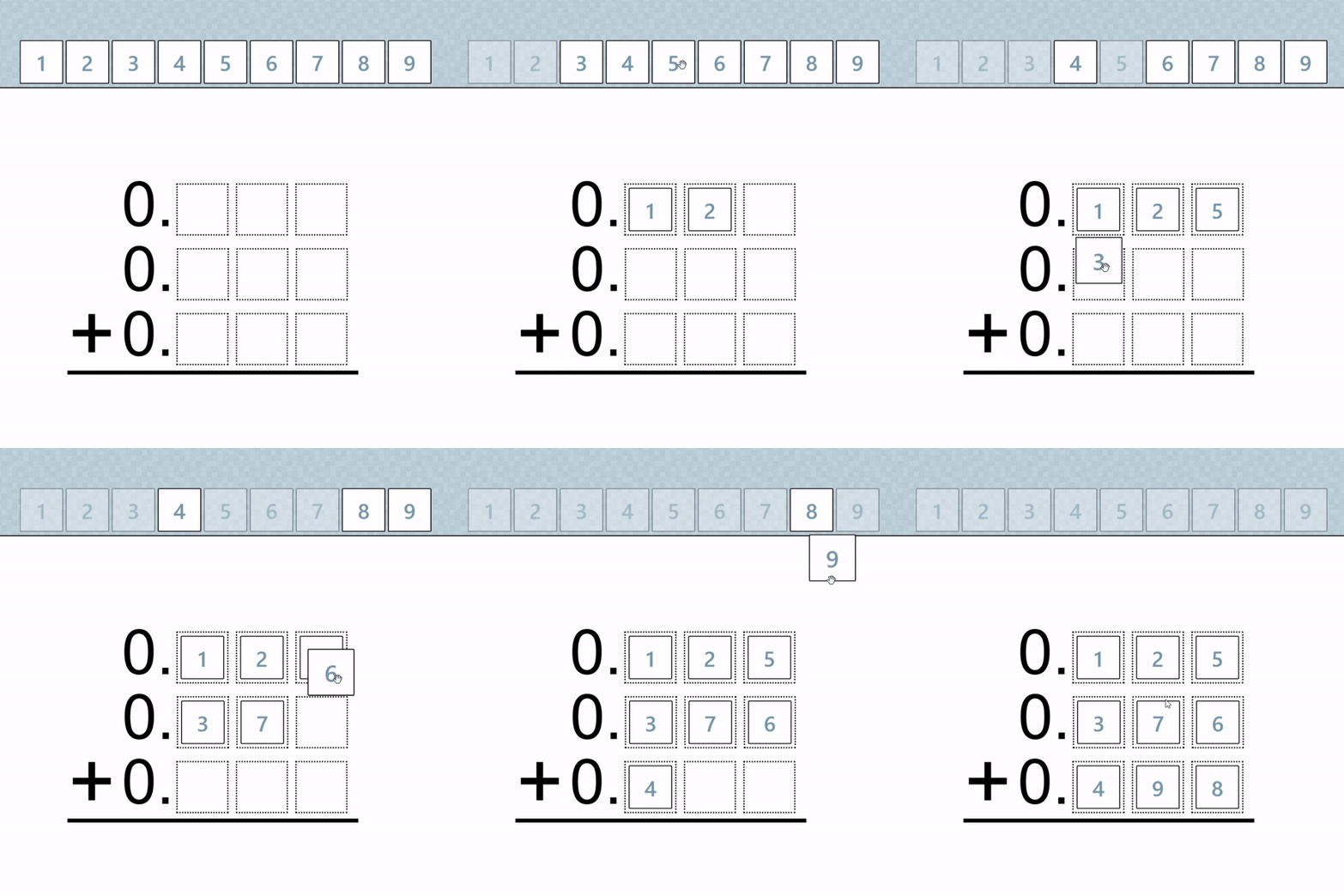
Interactive problems allow students to work directly with a problem on screen, reducing classroom setup time and removing the need for printed or physical materials.
Interactive problems have the same workflow to use as embedded problems, with support for Canvas, Google Classroom, and other platforms.
Key Features
- Automatic answer checking
Interactive problems include built-in checking that verifies whether the current configuration satisfies the problem’s conditions. - Spam protection and intentional pacing
To prevent rapid guessing, answer checks include a short delay when conditions are not met. This encourages students to pause, reconsider, and revise rather than repeatedly clicking to check. - Optional hints on incorrect checks
When a configuration does not satisfy all conditions, problems can provide brief hints that point students back to the constraints without revealing a solution. - Annotations
Students can mark up the workspace directly, making it easier to keep track of ideas and test reasoning while working through the problem. - Teacher-controlled settings
Teachers can customize interactive problems by enabling or disabling hints, adjusting answer-check delays, and choosing how much feedback students receive. - Problem versions
Some problems include multiple versions, such as extensions or variations. Teachers can choose which version students see when embedding the problem.
Using Interactive Problems
Interactive problems use the same workflow as embedded problems.
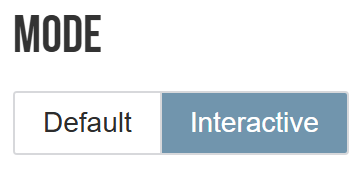
On any problem page, click the Use this problem button. In the embedding panel, set the Mode to Interactive.
From there, you can embed the problem into Canvas, Google Classroom, Microsoft Teams, or copy the embed code for use in other platforms.
Problem Coverage
Not all Open Middle problems have been converted to interactive versions. Converting problems takes time, and we’re continuing to add interactive support where it makes sense. Some problems, such as language-heavy word problems, are not well suited to interactivity and will remain non-interactive. Interactive problems are currently available in English only.
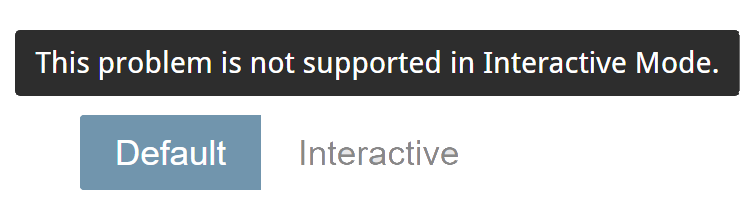
If a problem isn’t available in Interactive mode, the Mode option will appear disabled. Hovering over it will explain that the problem isn’t supported yet.
We are actively converting more problems every day, focusing on those where interactivity adds clear value.
What’s Next
Interactive Open Middle problems are new, and we’re excited to learn from real classroom use. If you have suggestions, notice an issue, or encounter a bug with a specific problem, please let us know using the Interactive Problems feedback form.
Thank you for continuing to explore Open Middle with us.